APR2 Advisement Complete Instructions for Faculty
The “Advisement Complete” feature in APR2 will allow advisors to clear an advisor hold themselves, for a student to be eligible to register. Please review the steps below to clear an advisor hold:
- Log into APR2.
- Look up the student record for which you have access as an academic advisor (or a department chair).
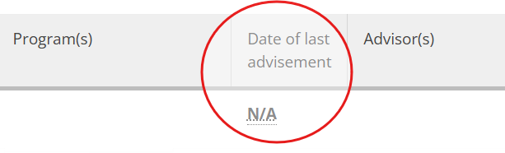
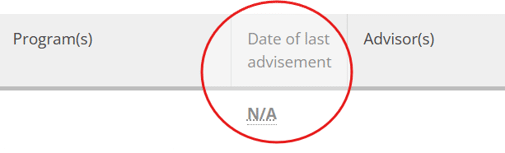
As you search for each student, notice that they have N/A in the “Date of last advisement” since this is the first time we will be using the process for this student record.
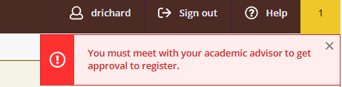
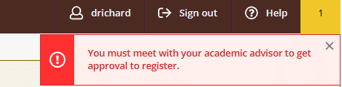
Select the student. Notice a warning message in the upper right corner.
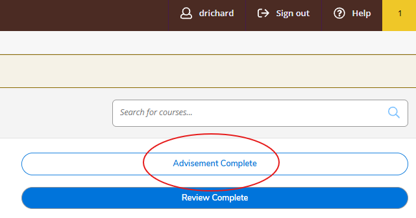
Once you have met with the advisee and reviewed their plan, click the “Advisement Complete” button in the upper right corner.
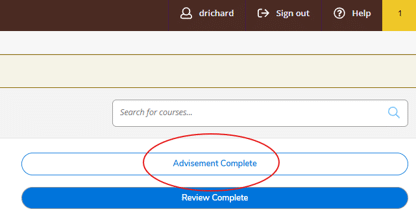
Please note that clicking “Review Complete” will NOT clear the advising hold.

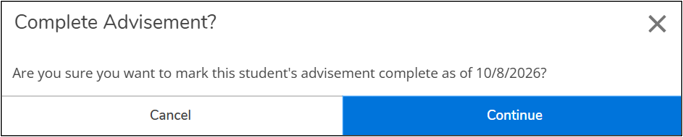
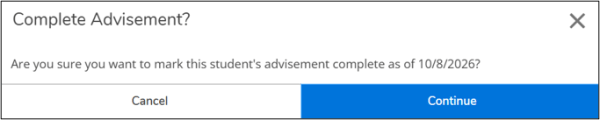
Click “Continue” to complete the process.
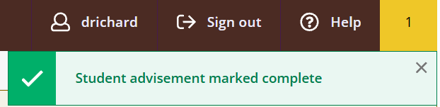
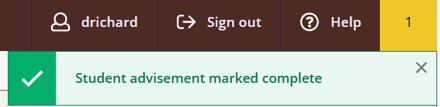
A green checkmark message will appear in the upper right corner.
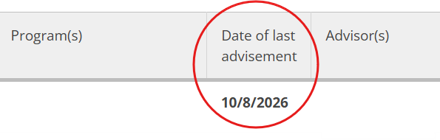
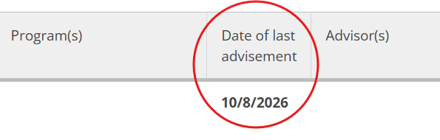
If you search the student one more time, you will see that the “Date of last advisement” has the date that you clicked the button.
After the hold is cleared the student will be eligible to register (once registration opens), as long as they do NOT have any other holds that prevent registration like a financial hold or an emergency contact hold.
***Please note that another advisor may have already cleared the hold; however, you may still click on the 'Advisement Complete' button. This will update the date to the most recent advisement.***