Call Queues for Microsoft Teams Phone
What is a call queue?
A Microsoft Teams call queue allows multiple people to answer calls made to a shared department phone number. Instead of ringing a single individual, incoming calls are routed to members of the department's call queue based on its configuration. Call queues are commonly used for shared department phone lines.
To receive call queue calls, you must be signed in to the Microsoft Teams application.
The information in this article will walk you through the common tasks you'll perform when working with a Microsoft Teams call queue.
Verify You're Ready to Receive Call Queue Calls
To verify that you are signed in:
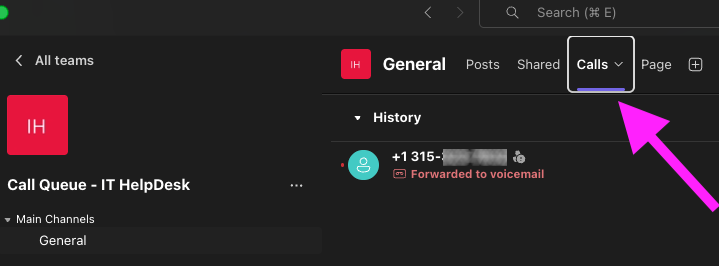
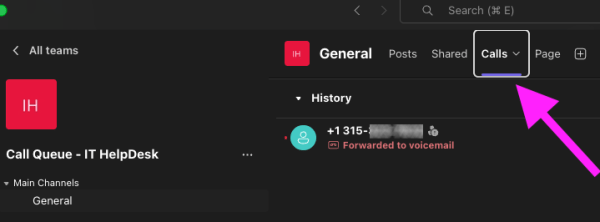
- Open your department's Call Queue team by selecting the Teams tab from the left side menu.
Select the Calls tab.
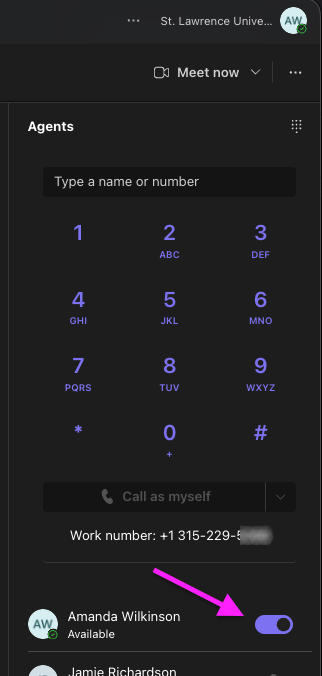
Confirm your Availability toggle is On.
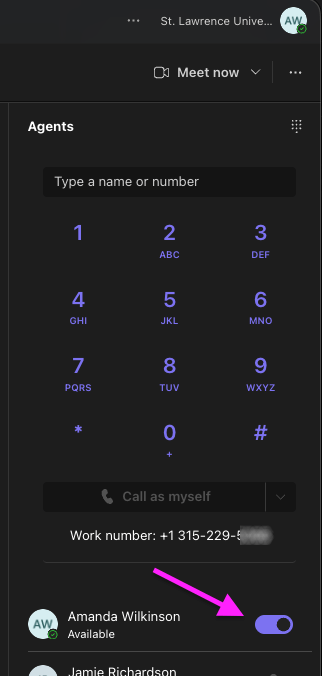
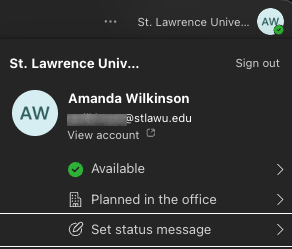
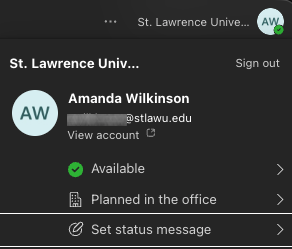
Confirm your Teams availability status is set to Available, if your department uses Presence-based routing (which is the default). To do so, click your initials (or picture) in the top corner of the Teams window.