Use an OTP Token for Authentication
Poster
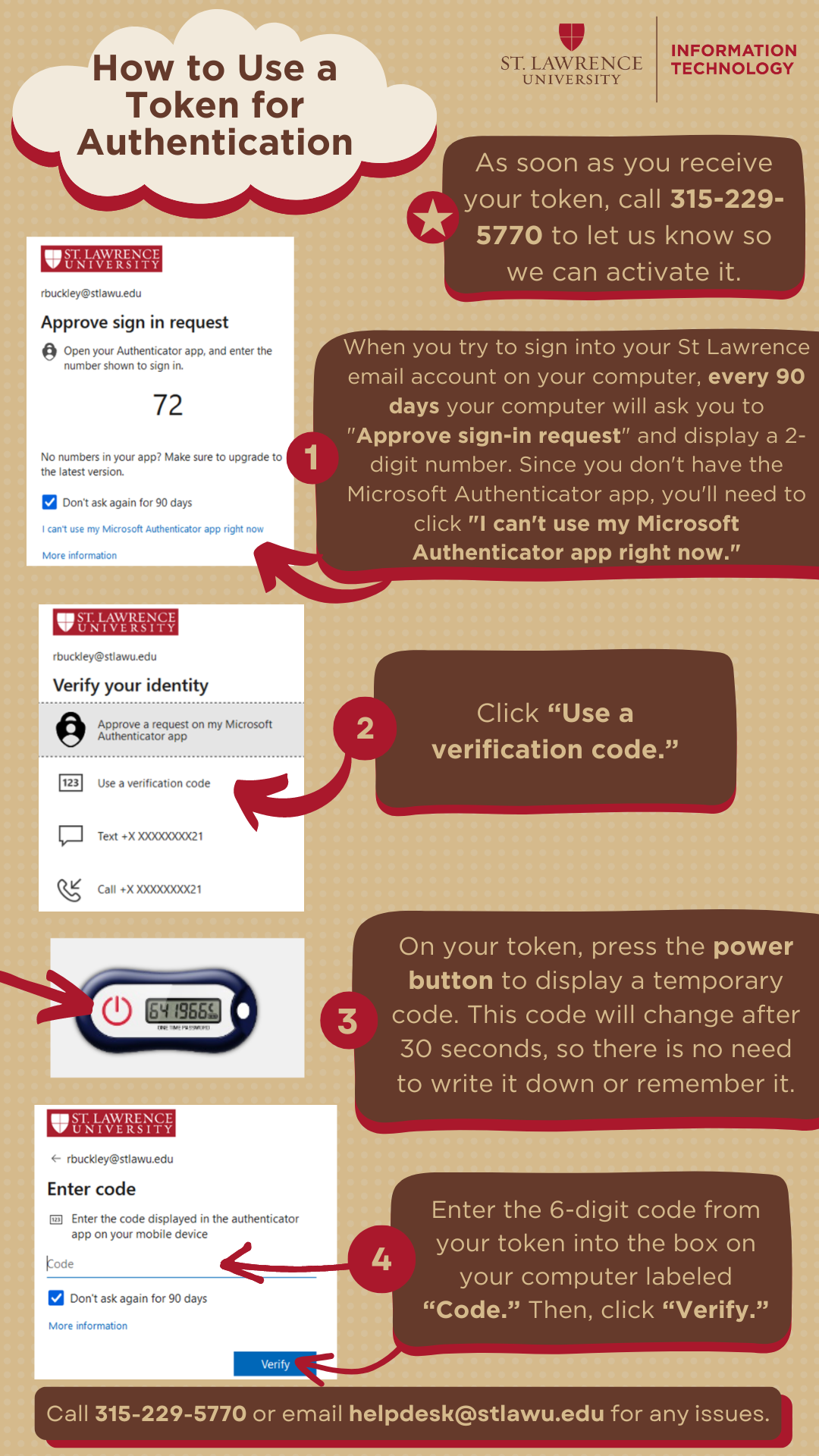
Follow the poster's instructions for using a token for authentication. For the accessible written format, scroll down to "Instructions."
Instructions
- When signing into a St. Lawrence web page, sign in with your email address and password.
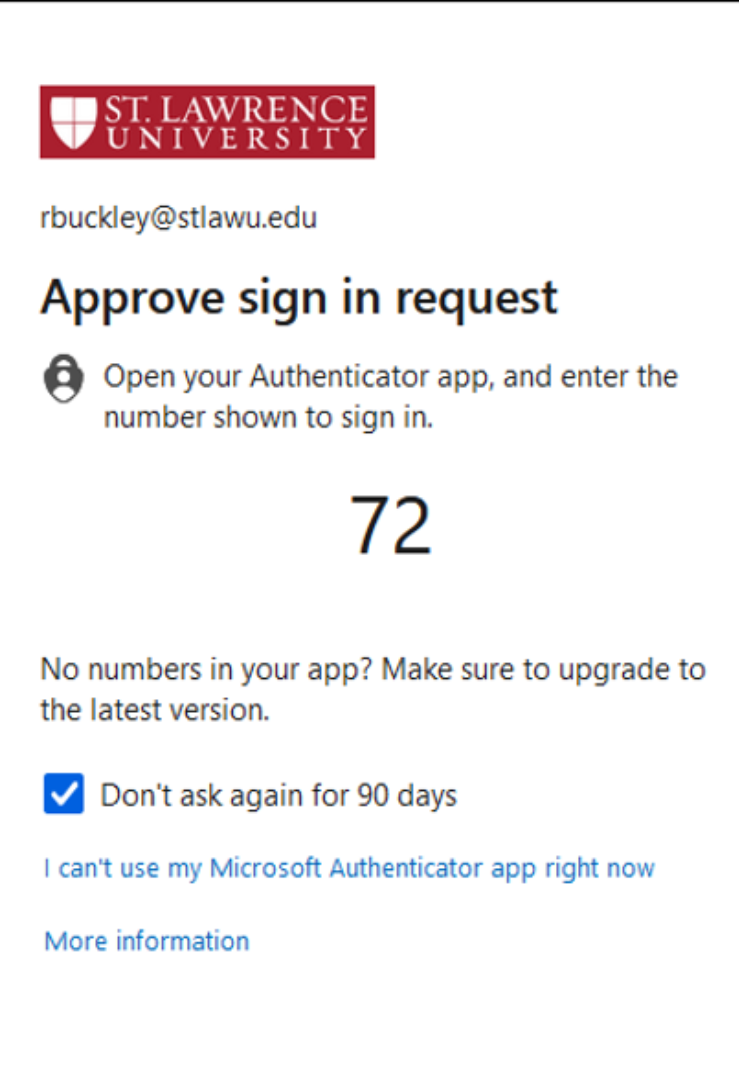
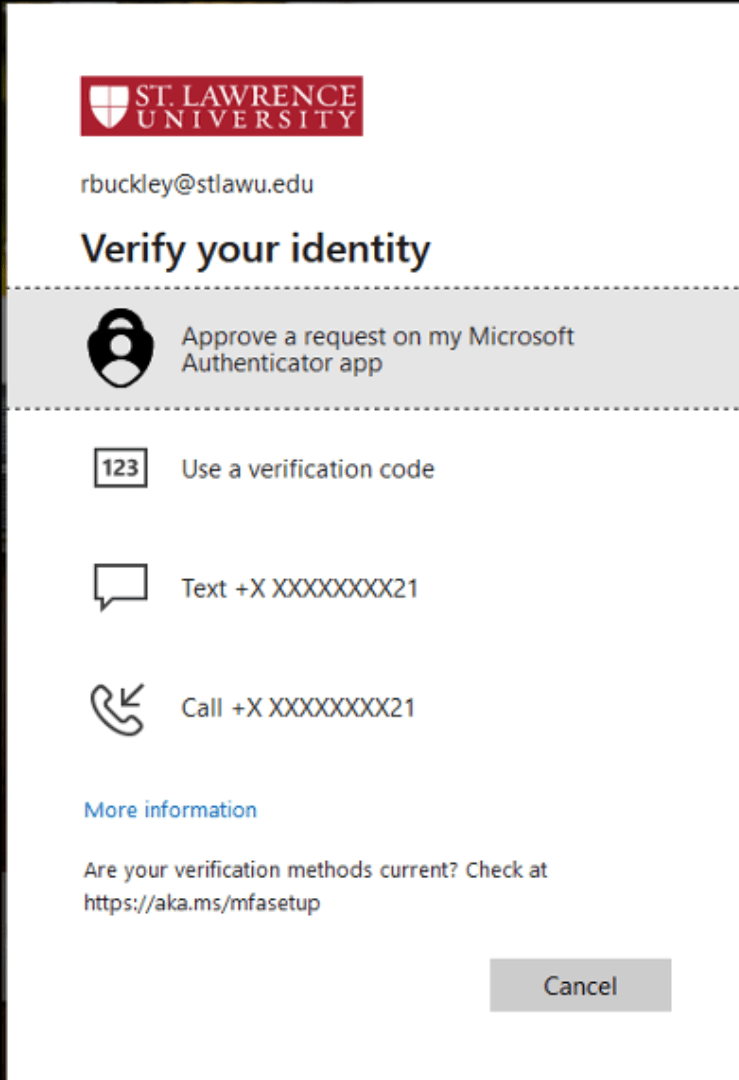
- If prompted to approve a sign-in request, click I can't use my Microsoft Authenticator app right now.
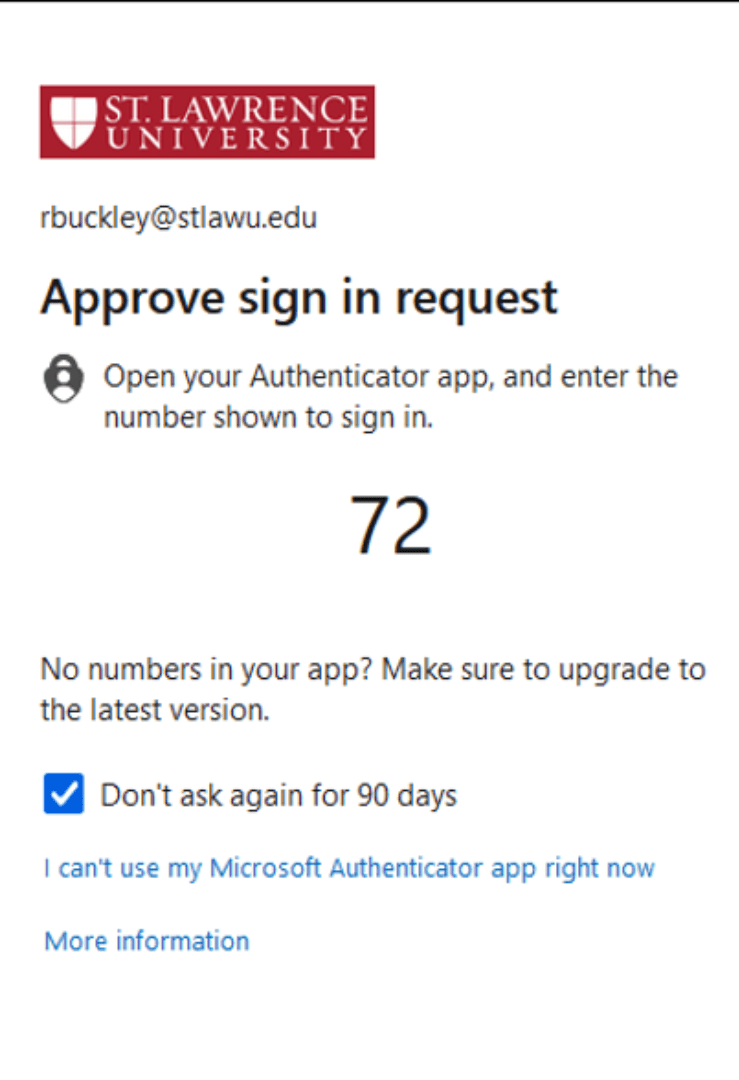
- Click Approve a request on my Microsoft Authenticator app.
- On your OTP token, press the power button.
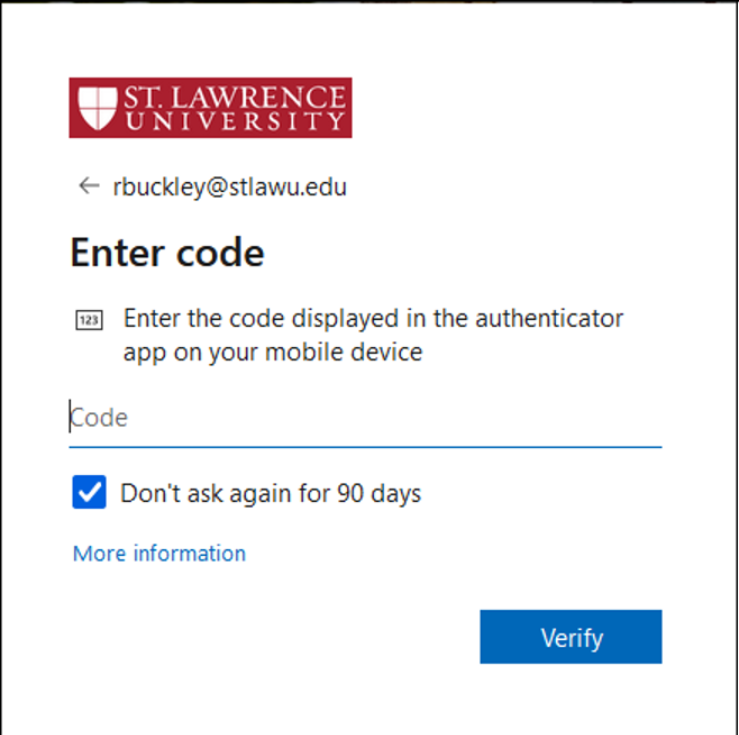
- You will see a 6-digit code appear on the screen of the OTP token. Enter the 6-digit code into the box labeled Code.
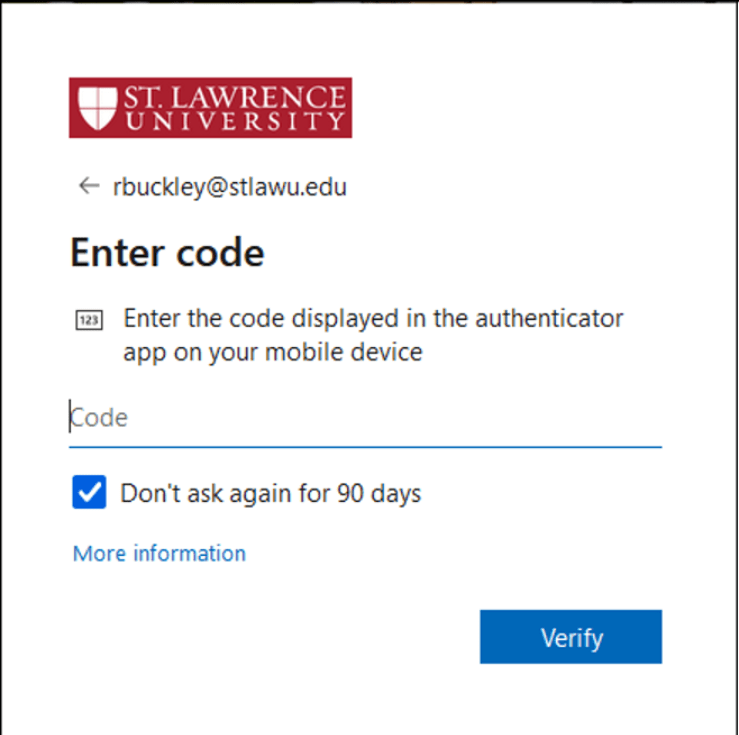
- Click Verify.