- Type the following in the search bar in the bottom left-hand corner of your taskbar.
- \\saint\apps\netapps\EMS
- Double-click on the EMSApplication.exe
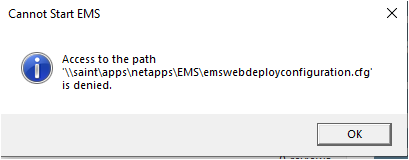
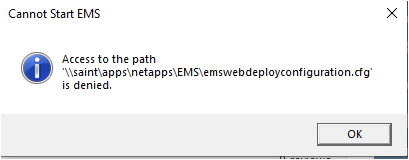
- Click OK when a pop-up titled "Cannot Start EMS" appears.
- After the Desktop Client is installed, enter your St. Lawrence username and password, if prompted.
- Click OK.